
zoorikctl
RecommendedSets up the cloud permissions too.
$ brew tap getzoorik/tap
$ brew trust getzoorik/tap
$ brew install zoorikctl
Or: curl -fsSL https://get.zoorik.com/macos | sh
Built for Azure and AWS
Supported on AKS and EKS
Available in Coral in AWS Marketplace (opens in a new tab) and Coral in Microsoft Marketplace (opens in a new tab)
Coral
40–50%off AKS and EKS cost
Coral and Amoeba together
20–30%off your overall cloud bill
Estimated ranges, not a promise.
Coral is a Kubernetes cost optimization platform for Azure Kubernetes Service (AKS) and Amazon Elastic Kubernetes Service (EKS). It continuously finds and removes the capacity your clusters don’t need, while your workloads keep serving. It sizes each container’s CPU and memory requests to what it really uses, and empties spare nodes one at a time so your autoscaler can remove them.
Coral helps platform and engineering teams cut AKS and EKS cost with no application code changes. It monitors every workload and node, recommends right sizes and spare nodes with the saving, and applies them safely: pods resize in place or restart one at a time within their PodDisruptionBudgets, and nodes drain one at a time. Coral works alongside native Kubernetes autoscaling: the Horizontal Pod Autoscaler, KEDA, Karpenter, Node Auto Provisioning (NAP) and the Cluster Autoscaler.
With Coral, you see where your Kubernetes spend goes, which capacity sits unused, and what each change saves at your cloud’s list price. Pod sizing starts when you switch on “Automatically optimize” for a policy or a workload. Node optimization is on from install, and you choose the node pools it works on.
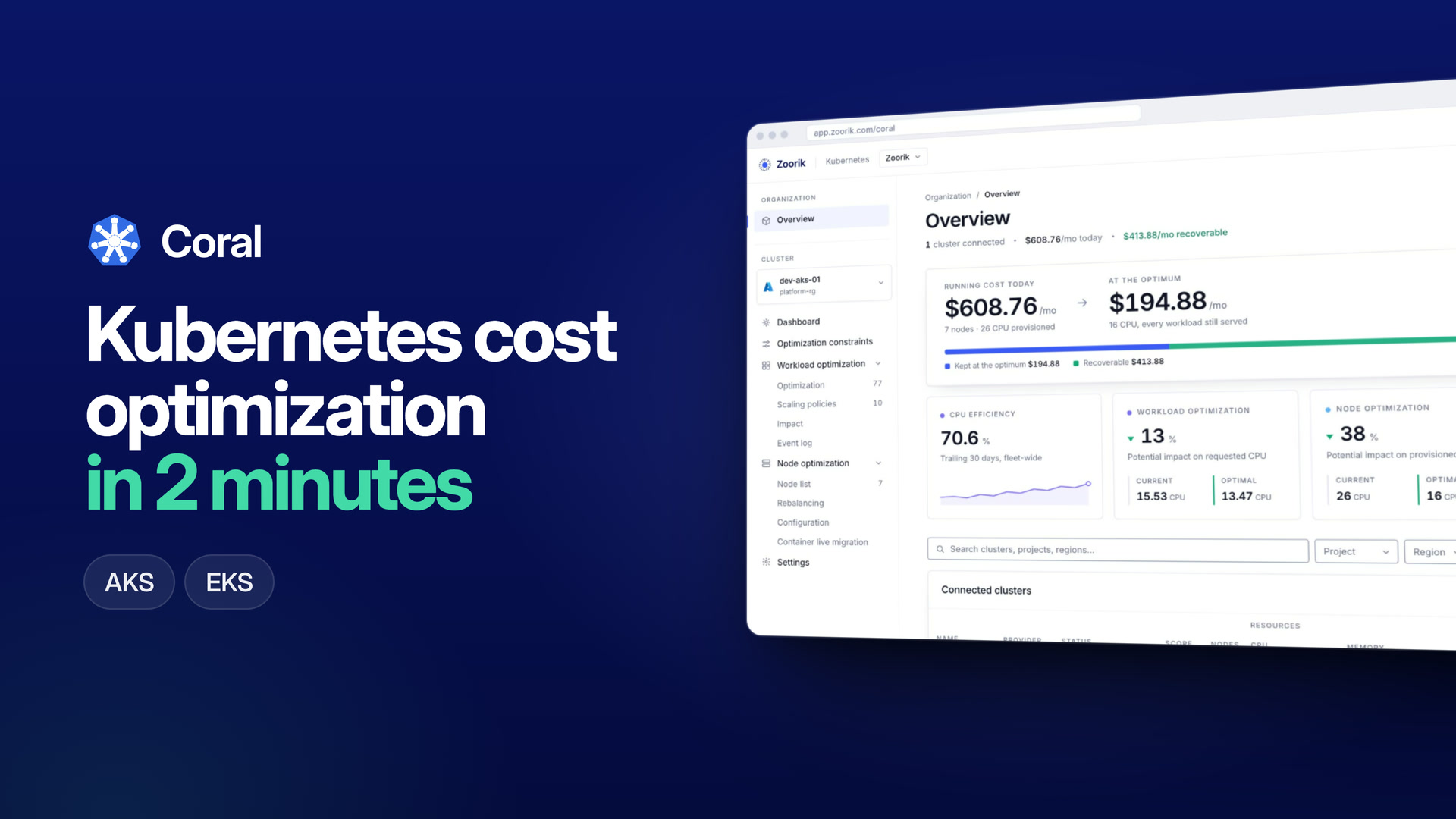
Connect the cluster with one command. Coral reads six nodes and seventy-seven workloads, with no code changes.
Every node, workload and volume, priced. The gap between what you hold and what runs: 22 CPU held, and 3.09 CPU carrying the real work.
Capacity moves to match demand and keeps moving. In this cluster $608.76 a month on 22 CPU becomes $194.88 on 16.
Example: Zoorik’s own AKS cluster, not a customer result.
Sets up the cloud permissions too.
$ brew tap getzoorik/tap $ brew trust getzoorik/tap $ brew install zoorikctl
Or: curl -fsSL https://get.zoorik.com/macos | sh
For teams on Helm, Argo CD or Flux.
$ helm install coral-agent \ oci://ghcr. io/ getzoorik/ charts/ coral-agent \ --namespace default \ --set controlPlaneUrl= <control plane origin> \ --set connectToken. value= <connect token>
Coral is in early access — book a demo (opens in a new tab) for a console account.
Cloud permissions as code.
# AKS
source = "getzoorik/zoorik-coral/azurerm"
# EKS
source = "getzoorik/zoorik-coral/aws"
Then install the agent with Helm.
One line in your cloud console. One PDF report with your estimated saving at list price.
Estimate your savingThirty minutes with the people who build Coral.
Book a demo (opens in a new tab)Or write to founders@zoorik.com